A library beside the player
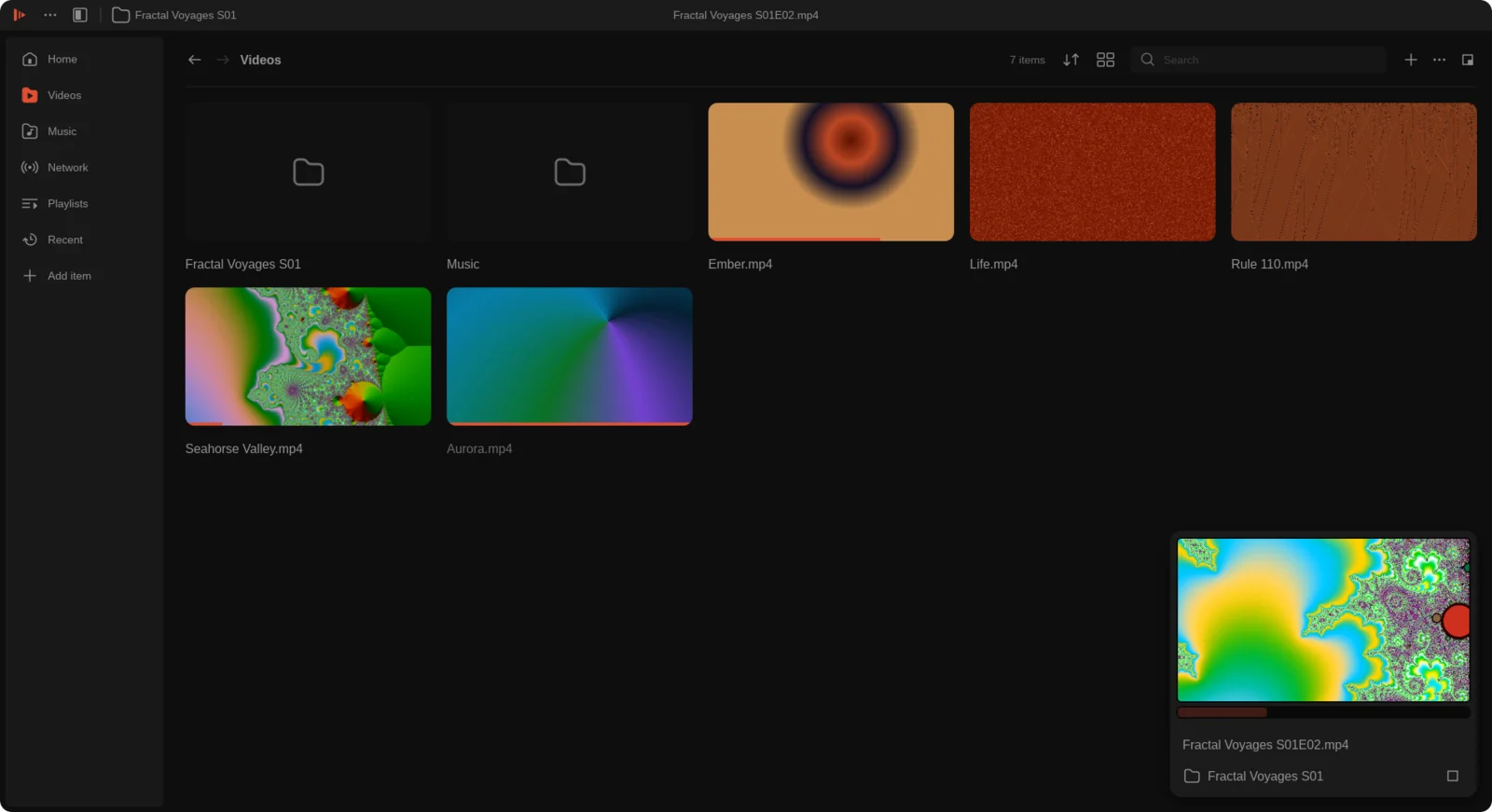
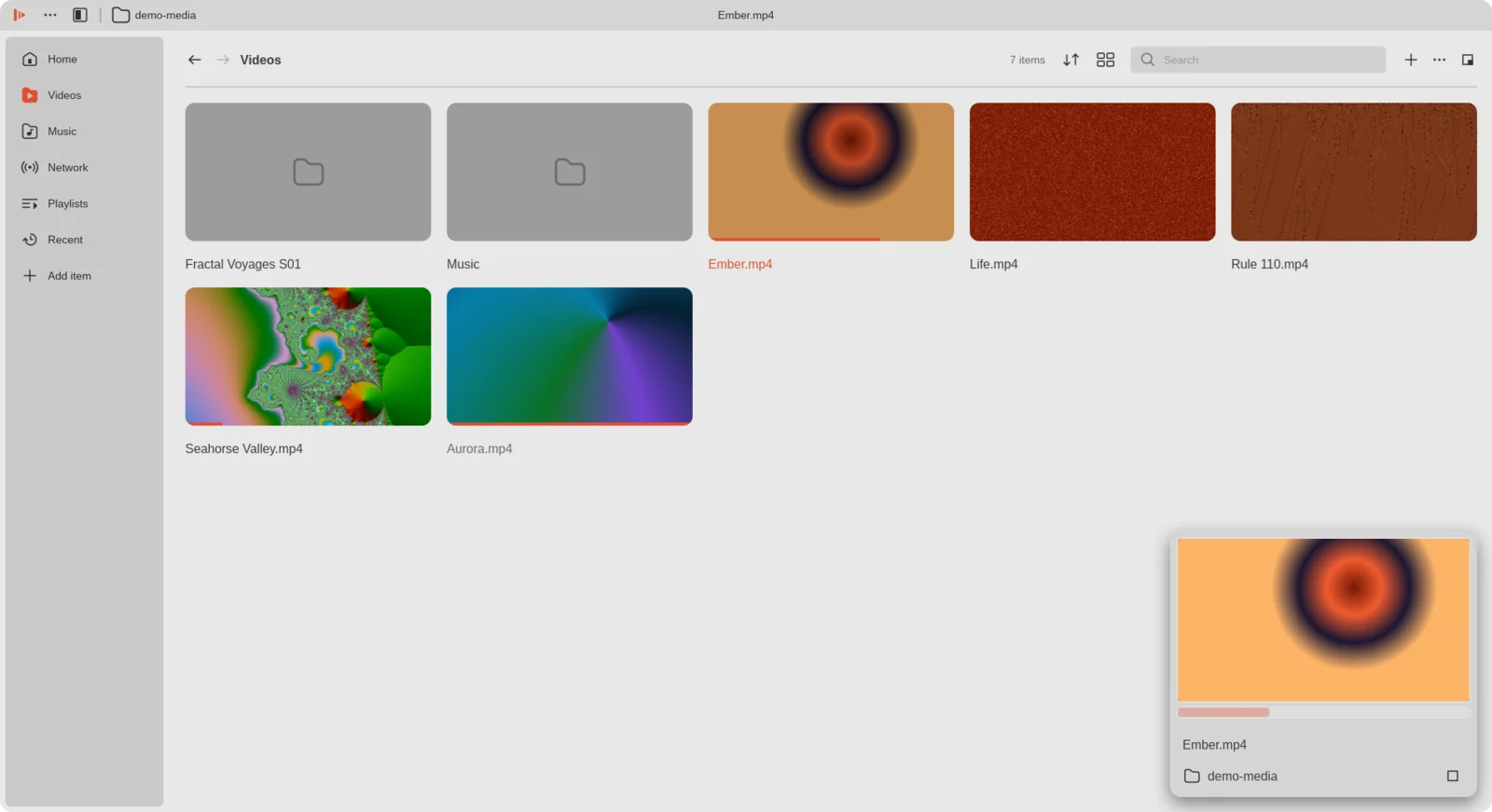
Videos, music, network streams, playlists and recent items, in a dock or full window. Pick up where you left off from Home.
 Ferricone
Version 1.0.0 · Linux
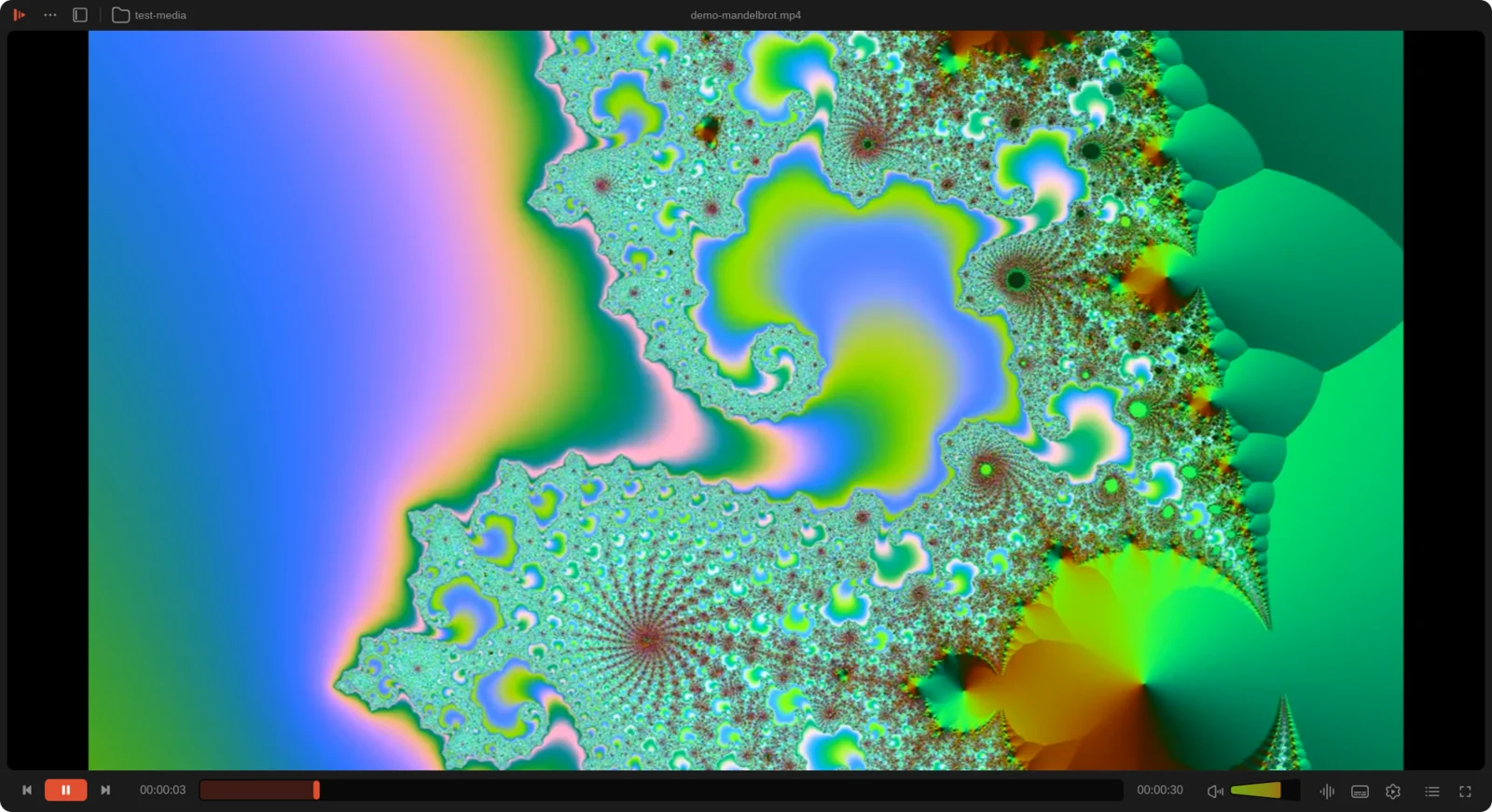
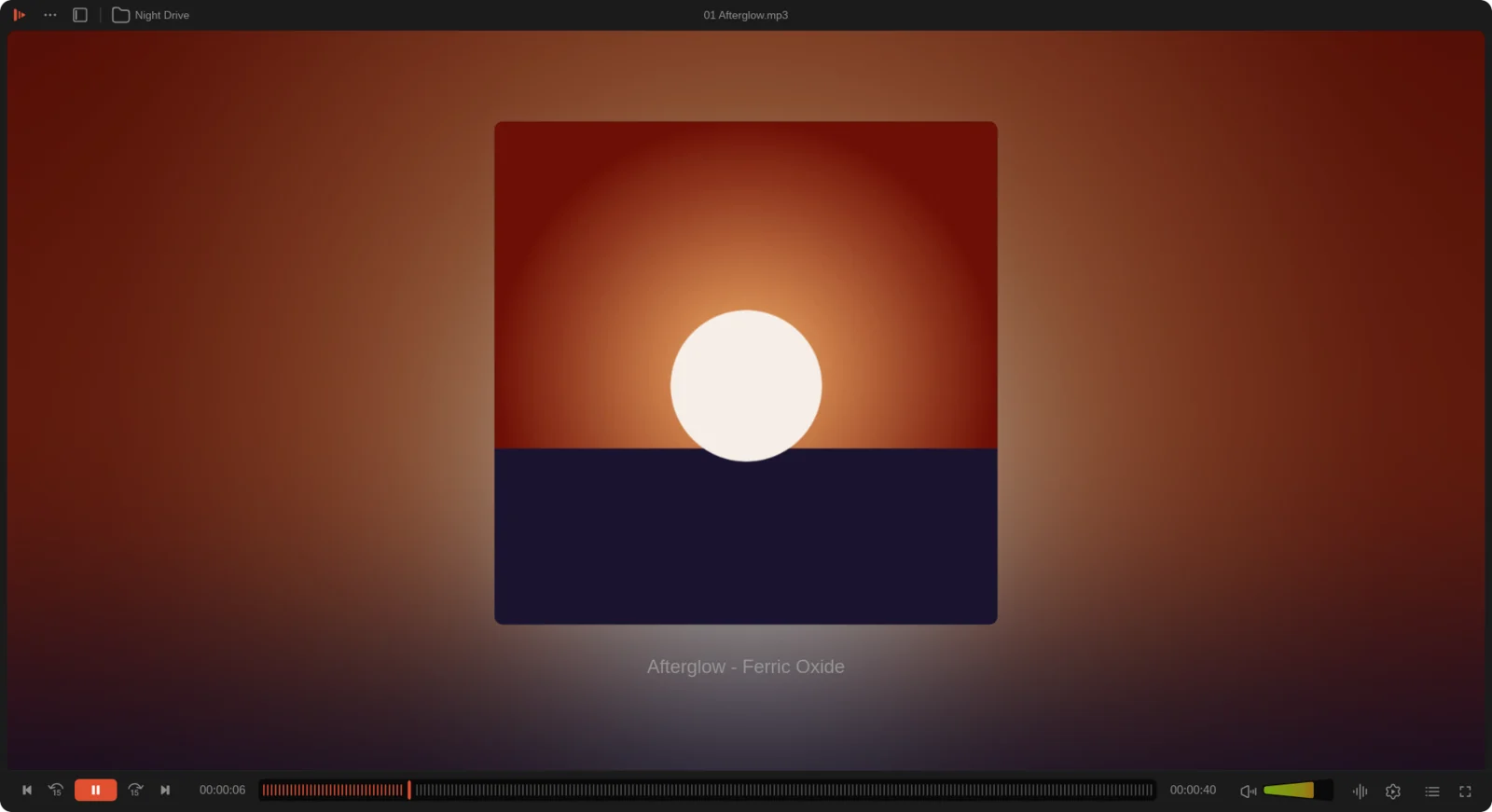
Ferricone runs on VLC's own engine, libVLC 4, with a new interface written in Rust and Slint: a library beside the player, a subtitle timeline, and settings that remember a show.
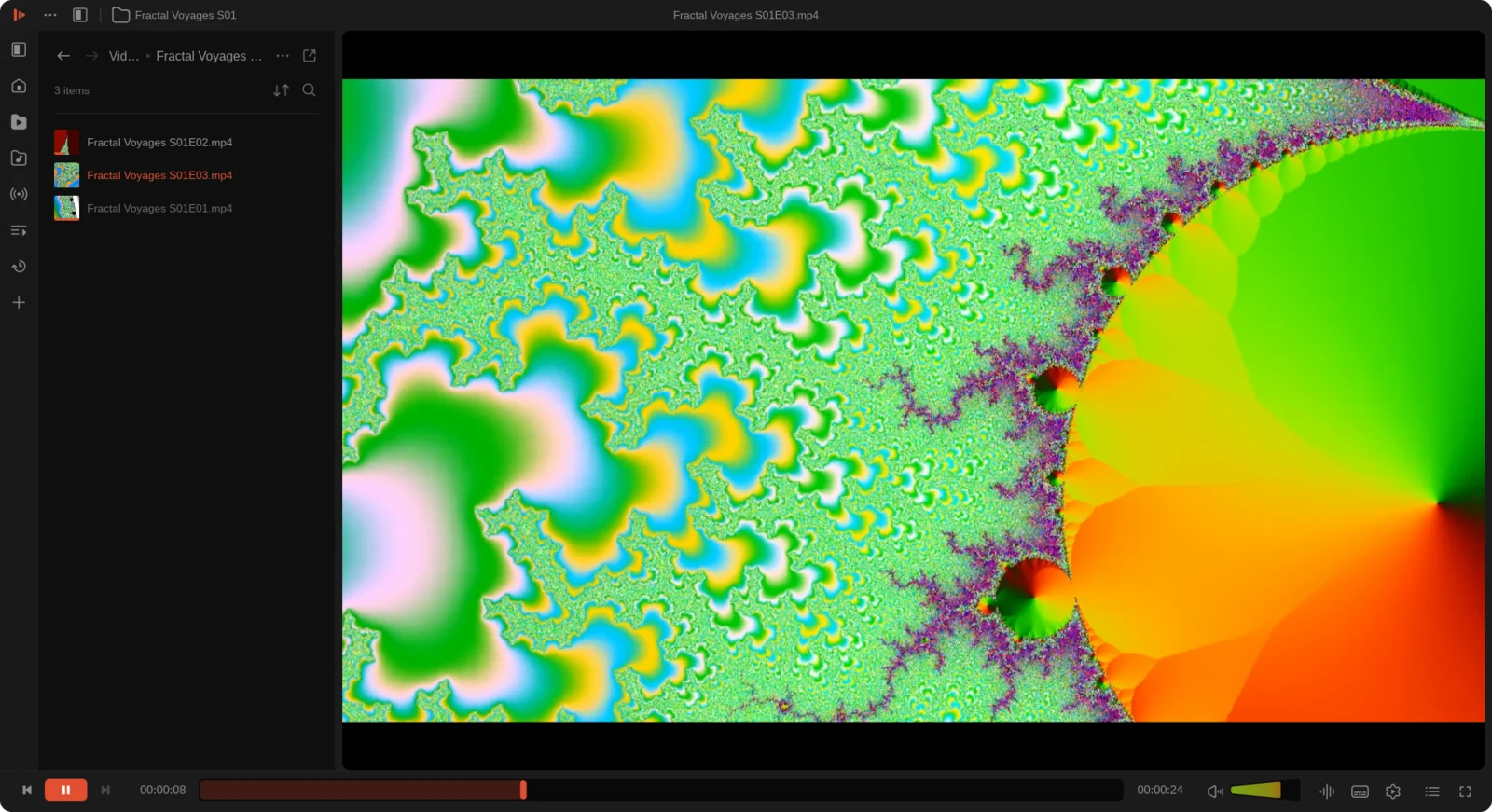
Videos, music, network streams, playlists and recent items, in a dock or full window. Pick up where you left off from Home.
Fix a subtitle delay, a crop or an audio track once, save it to the folder, and every episode plays that way.
A timeline under the seek bar shows each line. Drag to sync, match files to episodes by name, or search OpenSubtitles.
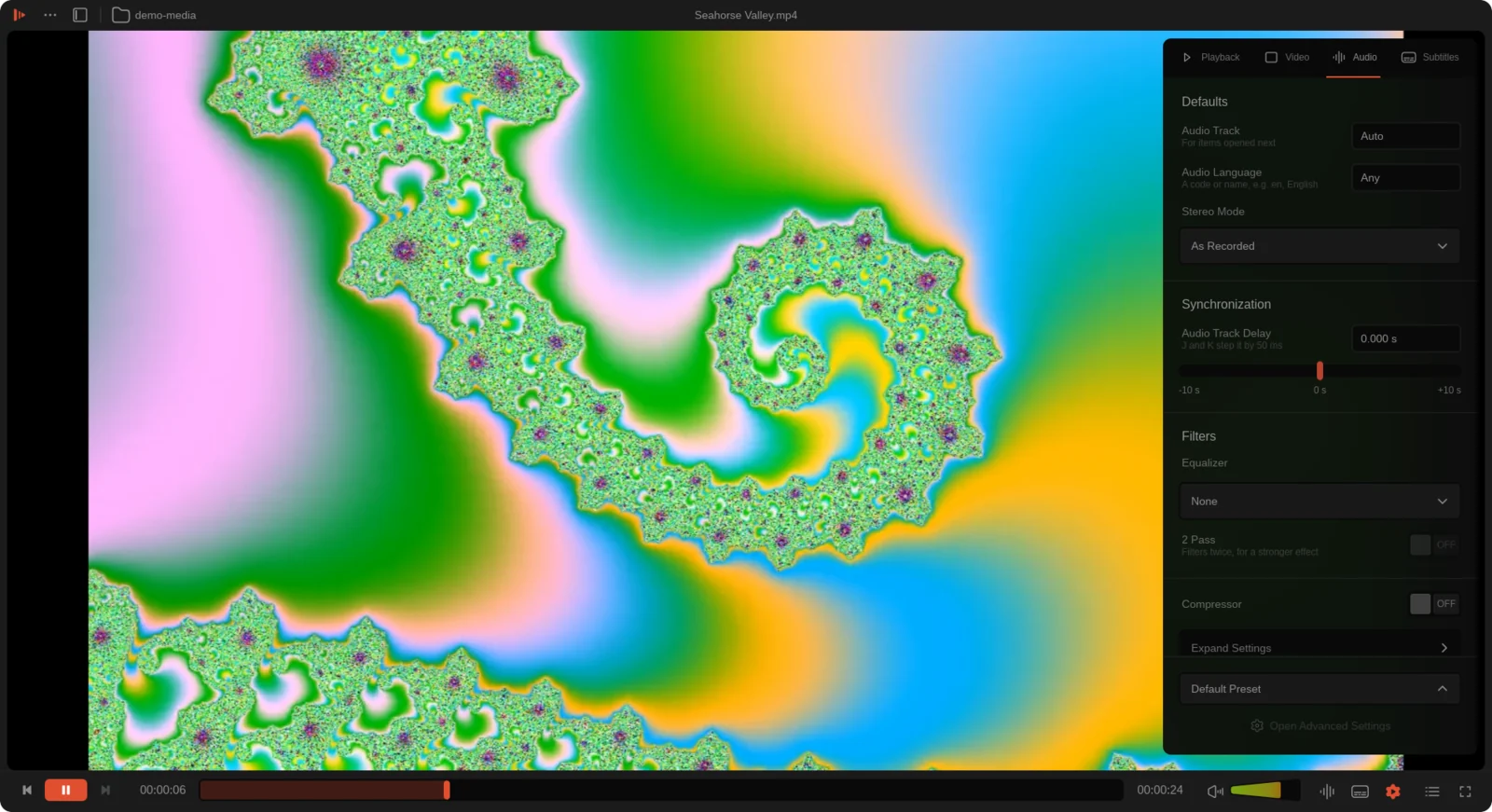
Hardware decoding, every codec and container, network streams, chapters, tracks, filters and an equalizer, live.
Play on Chromecast and UPnP devices on your network. Media keys and MPRIS work from your desktop's controls.
Light, dark or the system's choice, nine accents or any color, and your Omarchy theme's colors when you have it.
One build for every x86-64 distribution from 2022 on (glibc 2.35 or newer), with libVLC 4 inside.
sudo apt install ./ferricone_1.0.0_amd64.debsudo dnf install ./ferricone-1.0.0-1.x86_64.rpmsudo pacman -U ferricone-1.0.0-1-x86_64.pkg.tar.zstchmod +x Ferricone_Player-1.0.0-x86_64.AppImage && ./Ferricone_Player-1.0.0-x86_64.AppImagetar xzf ferricone-1.0.0-x86_64.tar.gz && ferricone-1.0.0-x86_64/install.shTurn on the Linux development environment (Settings › About ChromeOS › Developers), then open the .deb from Files and choose Install with Linux.
All files, checksums and notes are on the release page.
Each package has its own script. They need only Podman or Docker; the rest happens in containers.
git clone https://github.com/NobleDoodle/ferricone
cd ferricone
packaging/build-deb.sh        # or build-rpm, build-pacman, build-appimage, build-tarball
packaging/build.sh all # all five, into dist/For development, scripts/build-libvlc.sh builds the pinned libVLC 4 with Ferricone's patches into vendor/, and cargo run --release does the rest.